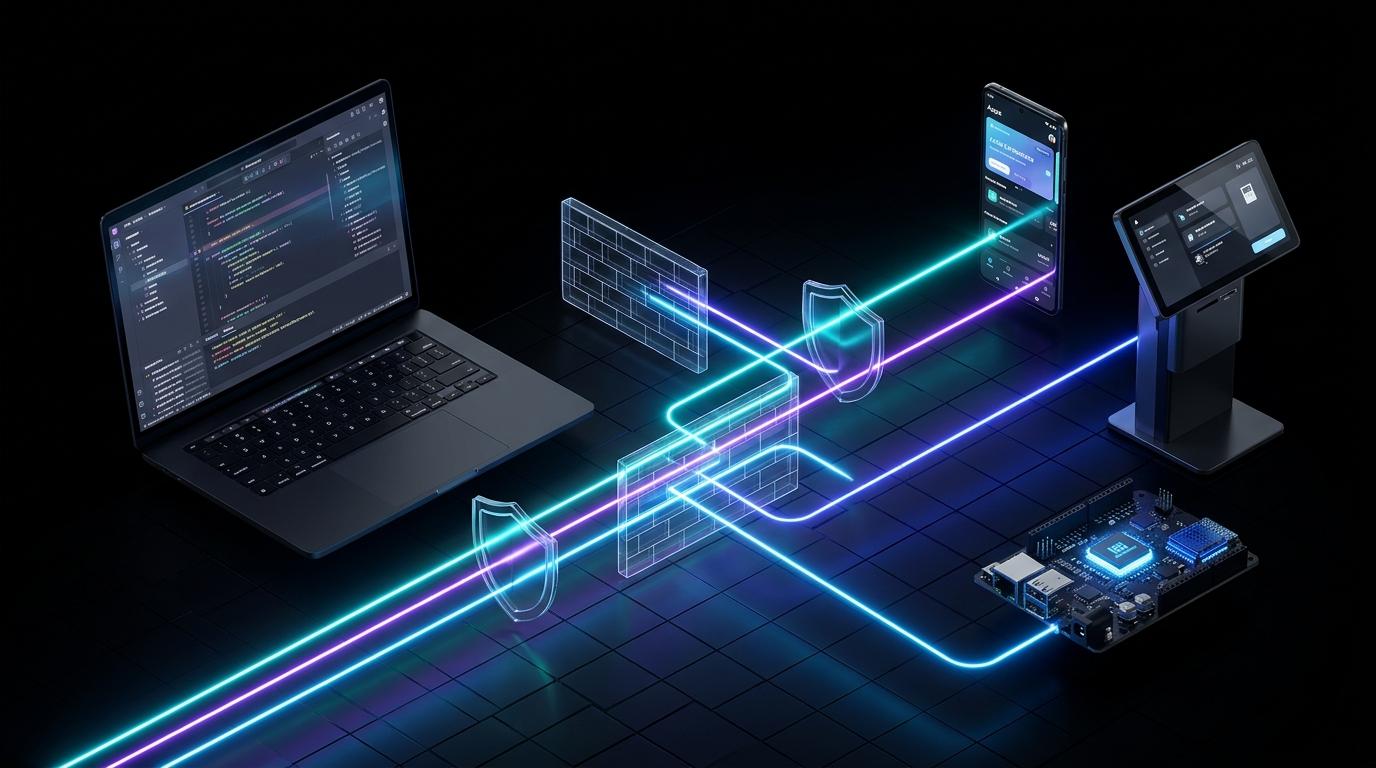
For over a decade, connecting a physical Android device in another city or country to your local Android Studio workspace has been an exercise in network gymnastics. Android engineers, QA teams, and hardware developers have been forced to rely on fragile corporate VPNs, manual router port forwarding, SSH tunnels, or expensive virtual device clouds just to inspect a remote problem. Even when a connection succeeds, standard ADB chokes on wide-area network latency—causing screen mirroring to freeze and large APK installations to time out.
That era has ended with WiDE-R (Wireless Debugging Redefined).
Built as the first native remote debugging bridge directly inside Android Studio, WiDE-R allows you to connect to any physical Android device across the open internet using a simple 6-digit session PIN—with zero VPNs, zero port forwarding, and zero desktop software required on the remote end.
Here is a look at the performance benchmarks behind WiDE-R and the new operational possibilities it unlocks for software and hardware teams worldwide.
Why Traditional Remote ADB Fails (And How WiDE-R Solves It)#
Standard ADB assumes a 0ms physical USB cable. When you tunnel raw ADB over a VPN or standard network relay across thousands of miles, every tiny data packet waits for a round-trip acknowledgment before sending the next—crippling throughput and dropping connections behind strict NAT firewalls.
WiDE-R eliminates these bottlenecks at both the network and workflow layers:
- Zero-PC Client Setup (6-Digit PIN Pairing): The person with the remote device never touches a computer, terminal, or USB cable. They simply open the lightweight WiDE-R Android companion app and share a single-use 6-digit PIN (or link the device permanently to your 1-click Shared Team Directory).
- Flash Install for Heavy Builds: Instead of letting standard ADB stall over high-latency internet connections, WiDE-R's Flash Install engine streams large APK payloads up to 5x faster, eliminating WAN timeout crashes.
- Unbreakable Firewall Traversal: Using an encrypted outbound handshake, both your host IDE and the remote Android device seamlessly traverse strict corporate firewalls, cellular NATs, and public Wi-Fi without exposing open ports.
- Native RSA Security & Auto-Lockdown: Every session is gated by Android's native hardware-backed RSA authorization prompt and automatically closes local debugging ports upon disconnection.
Validated Performance Benchmarks#
In head-to-head testing across remote internet connections, WiDE-R drastically outperforms legacy remote USB-over-IP tools and standard network relays:
| Benchmark Metric | Legacy Remote / Network Relay | WiDE-R Remote Bridge | Real-World Engineering Impact |
|---|---|---|---|
| Large Build Deployments | Frequent WAN Timeouts / Drops | 100% Reliable Delivery (via Flash Install) | Bypasses standard ADB "stop-and-wait" packet drops to ensure remote builds complete without timeouts. |
| Daily Debug Builds (~15–30MB) | Stalls / Several Minutes | Up to 5x Faster | Pushes routine development builds across the internet at near-local speeds. |
| Lightweight Build (12MB) | 78.4 Seconds | 8.0 Seconds (Matches Local USB) | Iterate on code changes at local-cable speeds across the internet. |
| Interaction & Mirroring Latency | ~120ms+ | ~45ms (62% Latency Reduction) | Smooth real-time Screen Mirroring and instant Layout Inspector refreshes. |
New Possibilities Unlocked by WiDE-R#
When physical proximity is no longer required to mount an Android device in Android Studio, entire categories of engineering bottlenecks disappear.
1. Debugging Custom Hardware in Unreachable Locations (Ships, Construction Sites & Kiosks)#
Android runs far more than smartphones. Thousands of companies build applications for custom physical devices—such as DWIN smart displays, retail POS terminals, interactive self-service kiosks, rugged industrial tablets, and dedicated IoT controllers.
Previously, when a custom display malfunctioned on a cargo ship at sea, a remote construction site, a factory floor, or a client's retail store, reproducing the bug meant either flying an engineer on-site or shipping bulky hardware back to headquarters. With WiDE-R, an on-site operator simply taps the companion app to generate a 6-digit PIN—allowing your engineering team back at headquarters to attach Android Studio directly to that live field unit, inspect hardware sensor logs in Logcat, and push a Flash Install hotfix in minutes.
2. Frictionless Global QA & Client Bug Reproduction#
Sending a test build to an external client or remote QA tester used to mean uploading an APK to Drive or Slack, waiting hours for a vague screenshot of a crash, and failing to reproduce the issue on your local emulator.
With WiDE-R, a developer in Bengaluru or London can connect directly to a client's or QA tester's exact physical phone in New York or Tokyo in real time. You can watch their live interactions via Screen Mirroring, capture the exact stack trace in Logcat as it happens, and deploy the fix immediately without ever asking a non-technical client to touch a command line.
3. Democratized In-House Device Farms (No Expensive Cloud Rentals)#
Cloud device farms charge steep recurring fees to rent generic devices that reset after every session and often lack specific regional SIM cards or custom peripherals.
Because WiDE-R erases network boundaries, agencies and remote-first companies can turn their existing office test phones into a private, 1-click global hardware rack. Using the Shared Team Directory, any developer working from home can connect to an office test device in a single click—getting true physical hardware access at a fraction of the cost of cloud device rentals.
4. Live Mobility & Field Testing on the Go#
Apps that depend on real-world movement, live GPS transitions, Bluetooth vehicle pairing, or shifting cellular towers—such as delivery, ride-sharing, fleet logistics, and outdoor fitness apps—are nearly impossible to debug accurately at a desk.
Because WiDE-R maintains a resilient connection over 4G/5G mobile networks and hotspots, an engineer can sit at their workstation with Android Studio open while a field tester physically walks or drives through the city—maintaining an unbroken live ADB bridge, Layout Inspector, and Logcat stream the entire time.
Bonus: Your Free Daily Local Driver, Too#
You do not need to wait for a remote emergency to use WiDE-R. When your test device is sitting on your desk on the same Wi-Fi network, WiDE-R connects it in a single click—giving you 100% free local wireless debugging forever inside the exact same tool window.
- Install the Free Plugin & Companion App: https://wide-r.net/download
- View Plans (Free Starter, Solo Pro & Business): https://wide-r.net/pricing
- Read Next: Killing the USB Cable: How WiDE-R Delivers the First Reliable Local and Remote ADB Solution Inside Android Studio